
The welcome desk on a phone, as a team
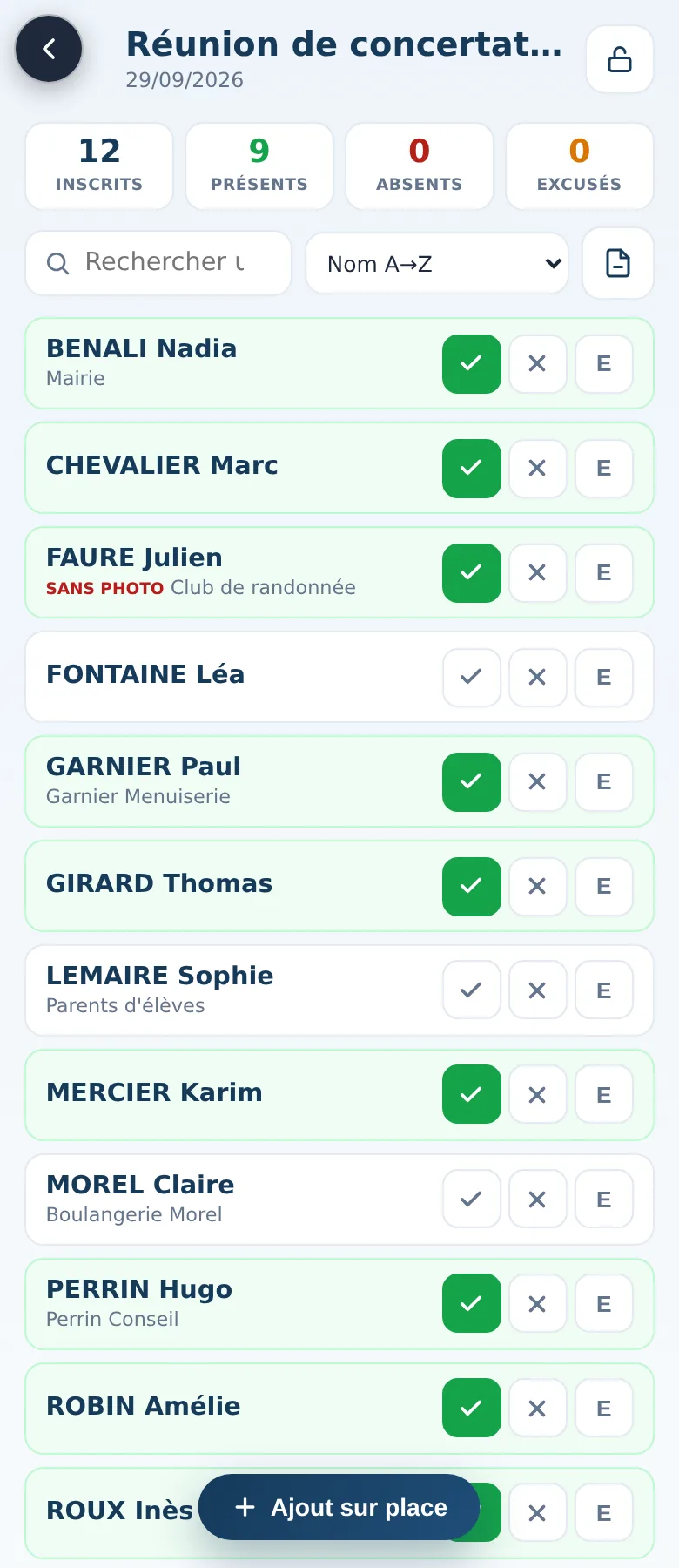
On the day, everyone opens the list on their phone, finds arrivals by name and marks them present. The counters update for everyone.
On the day
At the door
Present, absent, excused
One button per state, search by a few letters of the name, and sorting by name, registration order, not yet checked in or present. People who said no to photos are marked “no photos”.
The counters
Registered, present, absent, excused: at the top of the screen, updated with every tap.
Several phones
Two or three people at the entrance check in the same event; each phone sees the others' check-ins within about four seconds.
Walk-ins
Someone turns up without registering? They're added on the spot, and their details can be corrected or removed afterwards.
Places that free up
The waiting list, handled at the door
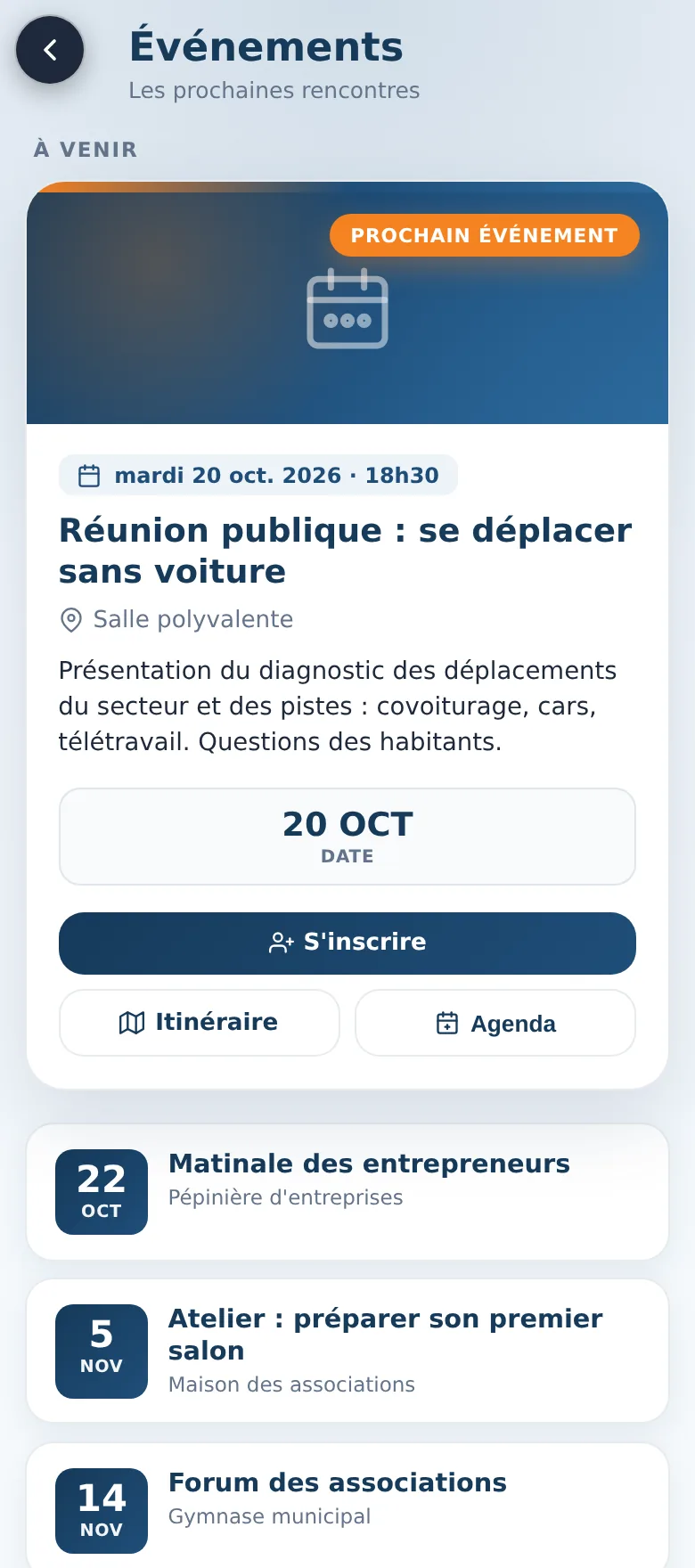
Someone doesn't come and a place frees up: from the check-in screen, you move a person from the waiting list up to registered. They immediately receive their registration confirmation by email.
Once the welcome desk closes, the lock freezes the list: no check-in changes by mistake. It can be unlocked if something needs correcting.
Around the welcome desk
Afterwards
Printable list
The list as a PDF, in alphabetical order, with phone, organisation, a mark for people who said no to photos and three boxes for present, absent and excused, for those who prefer paper.
A Welcome desk role
Give your volunteers the Welcome desk role: they check arrivals in, without access to event management.
Good to know
What check-in doesn't do
It doesn't work without a connection: every tap is saved online. There are no QR codes or badges to scan, no electronic signatures, and no certificate of attendance is sent to participants.